
Everything you need to know about Avistrata.
Overviews, user guides and comparisons, free to download as PDFs. Share them with your team, or with whoever signs off on new software.
No documents match that. Try another word, or ask us and we'll point you to the right one.
Start here
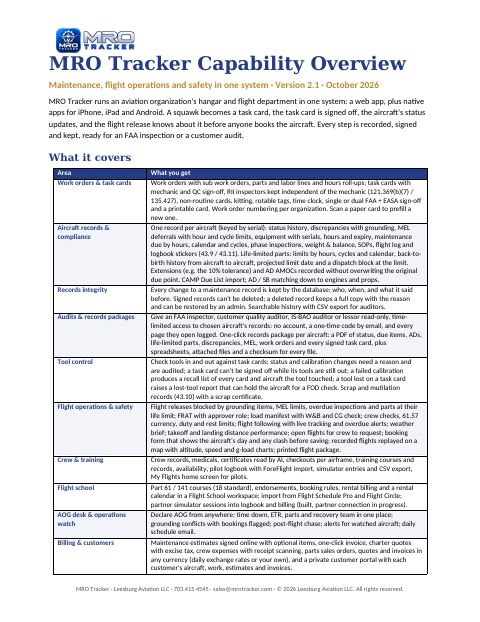
Capability Overview
Everything Avistrata 2.2 does: maintenance, the new Engineering workspace, flight ops, safety, stores, billing and Flight School.
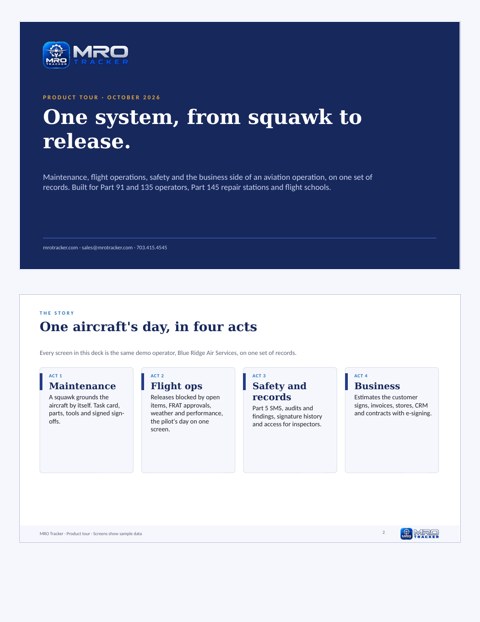
Product tour (no demo needed)
A self-guided tour of Avistrata: one aircraft from squawk to release, through maintenance, flight ops, safety and billing.
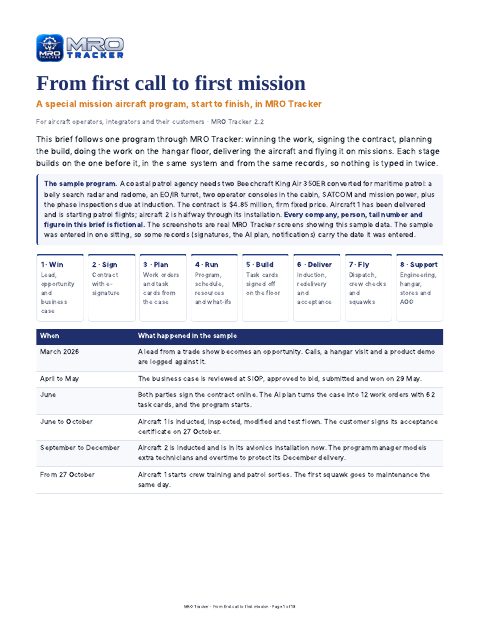
From first call to first mission
A special mission aircraft program start to finish: winning the work, the contract, planning the build, the hangar floor, delivery and the first missions.
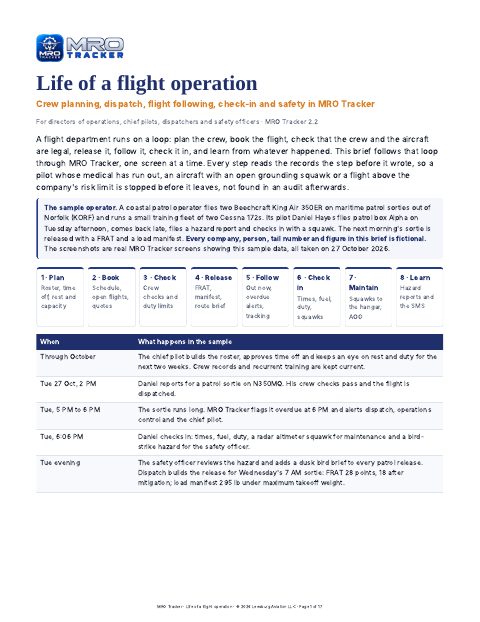
Life of a flight operation
Crew planning, dispatch, the release with FRAT and load manifest, flight following, check-in and safety, one screen at a time.
Safety (Part 5 SMS) tour
How Avistrata runs a Part 5 safety management system for Part 135 and air tour operators, ready for May 28, 2027.
The Engineering workspace
Requests from the task card with AOG answered within 4 hours, repairs and alterations with Form 337, engineering orders, the damage map, technical library and reliability.
Engineering guide
How a question from the hangar floor becomes a signed, documented engineering answer, and the engineering records behind an airworthy aircraft.
Feature Guide
Every feature, its options and who uses it, with a workflow diagram and screenshots for each area, now including Quality and Part 145 compliance and Part 21 production.
Overviews by operation

Part 135 and Part 91 operators
Maintenance, flight ops, crew, charter, Part 5 SMS and Part 119 on one record, with pricing and how to start.

Part 145 repair stations
Work orders, task cards, stores, signed estimates and invoices, and the repair station roster enforced at sign-off.

Flight schools
Booking rules, Part 61 and 141 training with AI lesson write-ups, billing and full maintenance in one plan.

Manufacturers, government and enterprise
Part 21 production, program management by contract line, DCAA timesheets and the enterprise platform.
Briefs for your role

Director of Maintenance
Due items, task cards, QC and RII, parts and the records, and what stops an unairworthy aircraft.

Records Manager
Signed logbook entries, AD and life-limited part history back to birth, scanned records read by AI, records packages.

Director of Operations
Schedule, releases, crew and the certificate, with the aircraft's real status built into every release.

Quality Manager
Audits, findings, the roster and capability list, Part 119 and every compliance program.

Safety Manager
A Part 5 SMS fed by hazard reports, FRATs, squawks and findings from the operation itself.

Finance Manager
Invoices from the work order, online approval and payment, inventory value, QuickBooks and ERP.

Program Manager
Programs by contract line, earned value from shop-floor hours, deliverables, risk and reporting.

Stores and Purchasing Manager
Every part from request to aircraft: quotes, approved POs, receiving inspection, kitting and cores.

Accountable Executive
The whole operation on one screen: safe, compliant and paid for, with the evidence the FAA asks for.

CFO: government operator and repair station
Cost per contract line from real hours, DCAA records, and a worksheet to size the return.
User guides
Getting Started
Set up your account and the recommended settings in about 10 minutes.
Getting Started with Avistrata Light
For small fleets on the Light plan: aircraft, Maintenance Due, your team and your first signed work order, in under an hour.
Mobile Apps Guide
One app in 5 flavors: Admin, Pilot, Mechanic, Student and FAA. Which one is for you, signing in and the everyday jobs. Coming soon to the App Store and Google Play.
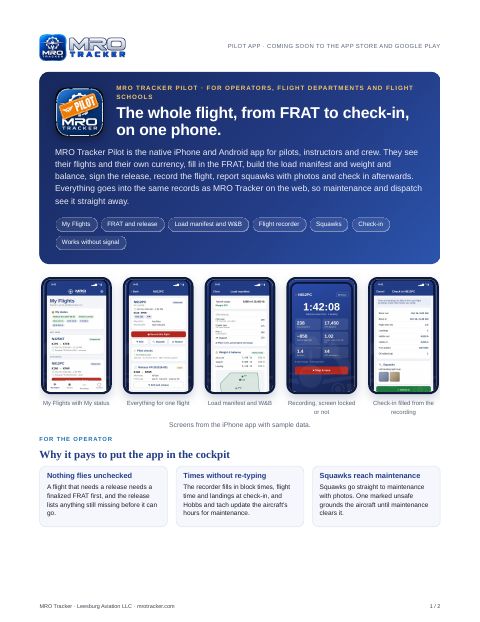
Pilot App
My Flights, FRAT, release, load manifest and W&B, the flight recorder, squawks and check-in. Coming soon to the App Store and Google Play.
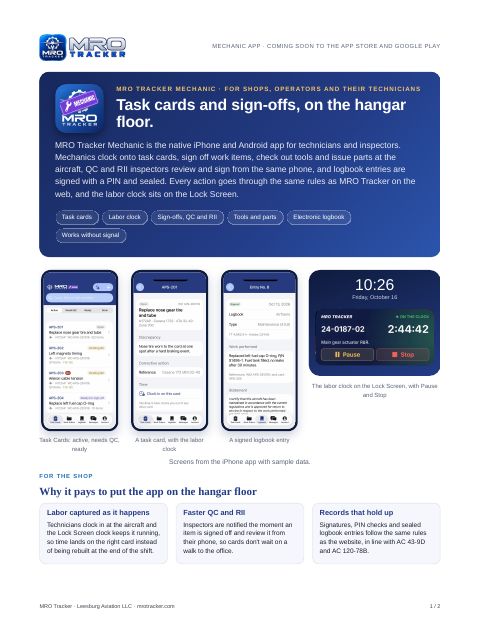
Mechanic App
Task cards, the labor clock, parts and logbook sign-off on the hangar floor. Coming soon to the App Store and Google Play.
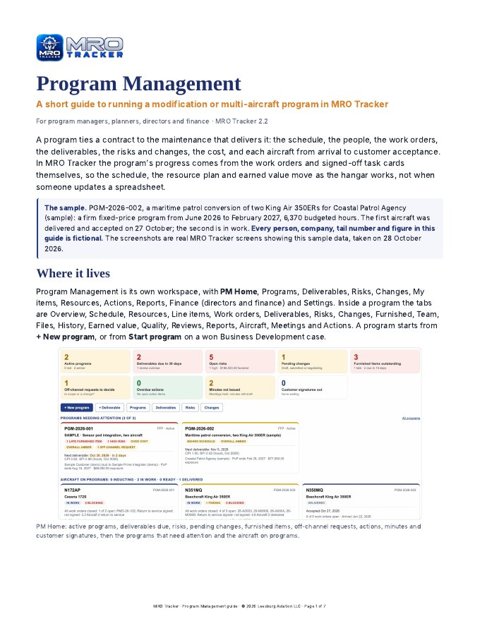
Program Management guide
Run a modification or multi-aircraft program: baseline schedule, resource load and what-if scenarios, earned value, and each aircraft from induction to customer acceptance.
How-to guides
Getting set up

Sign-in security
Turn on two-step sign-in with an authenticator app, email or text code, require it for admins or everyone, connect single sign-on, and set sign-in time limits.
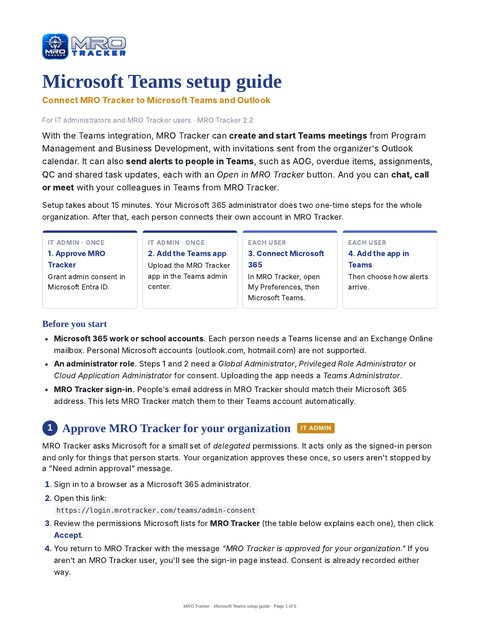
Microsoft Teams setup guide
Connect Avistrata to Teams and Outlook: admin consent, the Teams app, alerts, Teams meetings and chat. For IT admins and users.

Teams Chat brief
Your Microsoft Teams 1:1 and group chats inside Avistrata on the web, iPhone and Android: what it does, how it works, security and privacy.

Teams Chat how-to
Turn on Teams chat: one-time IT approval, connecting on the website and phones, everyday use and troubleshooting.
Email and Text Messages
Templates, scheduled and automatic messages, and text replies.

Guest mechanics
Invite an outside A&P to work on chosen aircraft until an end date: they sign off work and logbook entries and see nothing else. Free, no paid user.

Referral program
Get your organization's referral code and sign-up link, share it, and see who signed up with it.
Aircraft and records

Logbook History
Upload old logbooks as scans, phone photos or exports; Avistrata reads and sorts every entry and fills in Maintenance Due from it.

Records check
Get the records ready for a pre-buy: ADs, service bulletins, required vs recommended maintenance, life limits and paperwork gaps.

Same plane in two organizations
Link to share hours, logbook history and squawks, catch duplicates when adding, and merge a test copy.

Linked aircraft
A club and a shop both have the same plane: link it so hours and cycles follow each other and each side sees when it's in the shop.

Technical data library
Every revision on file, task cards citing the revision the work is done to (or an earlier one your customer's program controls, with the reason), and superseded data flagged at sign-off.

Part 145 changes, November 2026
What changed in Part 145 (technical data, outside work and contract maintenance) and how Avistrata supports each change.

Records room for buyers
Share an aircraft's records with a buyer: read-only with an end date and a log, a separate pre-buy report, the listing badge, transfer at closing, and asking MRO Insight about the logbooks.
Owners and partnerships

Aircraft partnerships
One plane, several owners: shares, cost split and monthly statements, fair booking rules, partner votes, management company fees and pilots.

Aircraft costs
For owner-pilots: hangar, insurance, loan, Starlink and one-off costs, and what the plane costs a month and per flight hour.

Leasebacks
A plane leased back to a flight school: owner and terms, the monthly owner statement, and the contract signed by everyone in Avistrata.
Repair stations

Internal evaluation program (AC 145-5)
Run your repair station’s own AC 145-5 audits: 15 Part 145 areas, built-in checklists, automatic audits, the five FAA focus areas, sampling and management review.

Repair station roster
Keep your certificate, ratings, 145.161 roster and capability list current, with rating and sign-off checks and the 145.215 self-evaluation.
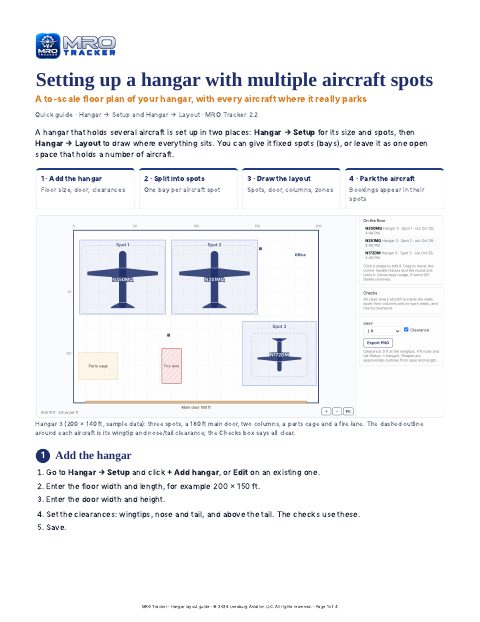
Hangar layout guide
Set up a hangar with several aircraft spots: floor size, bays, a to-scale layout with doors, columns and zones, and aircraft parked where they really go.

Hangar staffing guide
Plan who works on which aircraft each day, and check that technician hours cover the work booked into the hangar.

Product risk and on-time delivery
Keep a product risk register, review it on time, send hazards to SMS, track on-time delivery and collect ICA acknowledgments, including by mail.

FOD program
Run foreign object debris walks, record findings that ground an aircraft, count rags and hardware on task cards, and require a FOD check before return to service.

IPC parts lists and kit templates
Read the parts list from the manufacturer's IPC, pick parts for a task card, save kits per aircraft model, check them against stock and order what's short.

Engineering drawings
Set up who checks and approves, drop drawing files to read them in, sign each revision drawn, checked and approved, then package, issue and turn drawings into work order forms.
FBO and flight school

FBO setup guide
Set up the FBO workspace step by step, with what we recommend for each part, before the line and the front desk start.

FBO workspace user guide
Every FBO screen: arrivals and FlightAware, fuel orders, customer profiles, fuel farm and QC, ramp equipment, crew cars, staff and reports.

Line Service
Fuel, oil and ramp services for visiting aircraft: tickets on the phone, Tap to Pay or card, billing accounts per plane, and discounts.

Life at an FBO
A day at an FBO, from the morning fuel checks to the evening fuel reconciliation, and how Avistrata handles each step.

Flight alerts
Get takeoff, landing, overdue and AOG alerts for an aircraft by push, email, text, Teams or WhatsApp, and send yourself a test alert.

Students in several schools
One login for a student at more than one flight school: invite by email or join code, switch schools, and share the logbook.

Flight school AI
Lesson write-ups drafted from dictated notes, a study coach for students, students at risk with readiness estimates and suggested bookings, and asking MRO Insight about the school.

FBOs and fuel prices
See FBOs and posted fuel prices at any airport, in the trip planner and the FBO workspace, refreshed every morning, saved on your phone, with icons for each fuel type.
Flight operations

International flights
eAPIS and CBP’s answer, entry attestations, permits, Canada and Mexico border checklists, TSA security program items, CORSIA and EU ETS emissions, and drone Remote ID.

Compliance programs
Drug and alcohol testing and random draws, CASS, the Pilot Records Database, special authorizations checked on the release, hazmat, DOT registrations and export approvals, step by step.
Integrations
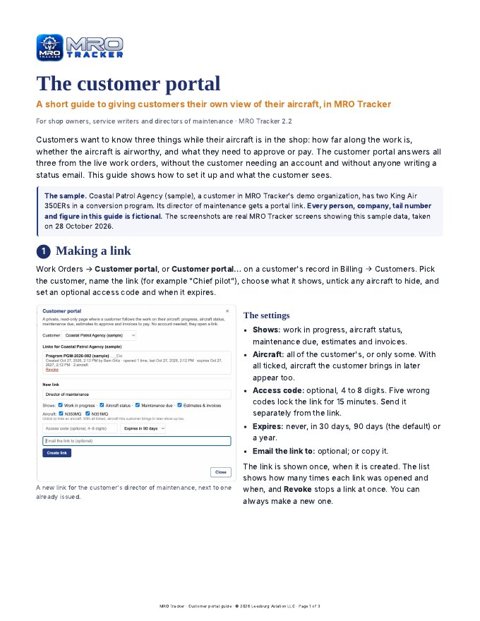
Customer portal guide
Give customers a private link to follow their aircraft: work in progress, airworthiness, maintenance due, and estimates and invoices to approve and pay.
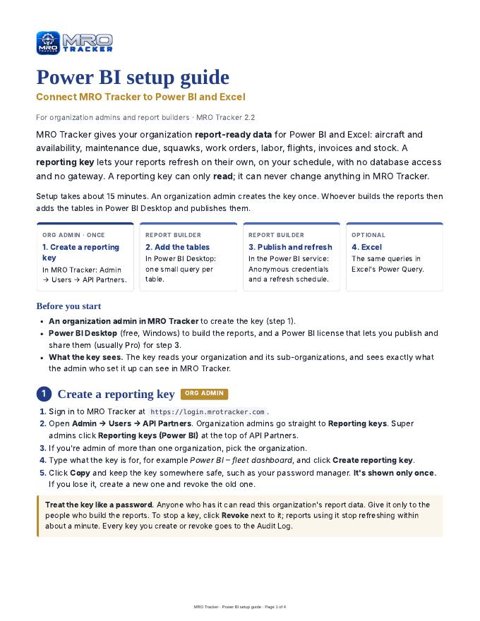
Power BI setup guide
Connect Avistrata to Power BI and Excel with a read-only reporting key: aircraft availability, maintenance due, squawks, work orders, labor, flights, invoices, stock, and programs with their CLINs and costs, refreshed on a schedule.

Dayforce
Connect Dayforce for employees, pay rates, time off and payroll totals, send approved timesheets or punches, and let people clock in and out on the phone.

Avistrata + Dayforce
What the Dayforce integration exchanges in each direction, how it fits together and what it brings payroll, finance and operations.

Shift clock
Clock in and out of the working day on the website or phone (even offline), with shifts sent to Dayforce, corrections with a reason and forgotten clock-out reminders.
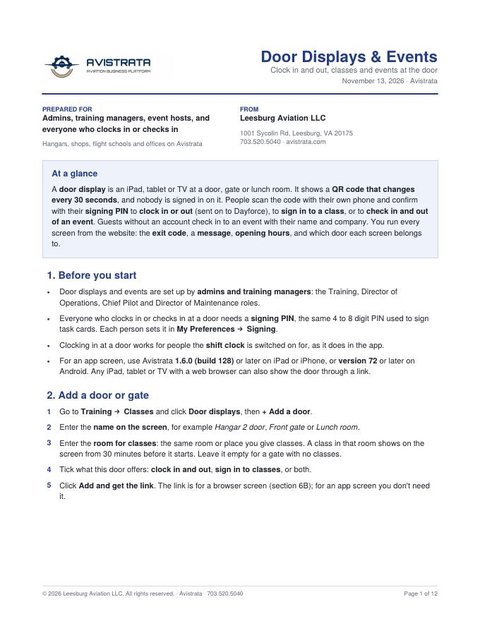
Door displays and events
A tablet or screen at each door, gate or lunch room with a QR code that changes every 30 seconds: clock in and out with Dayforce codes, sign in to classes, check in to meetings and stand-downs (guests too), with exit codes, opening hours and screens managed from the website.
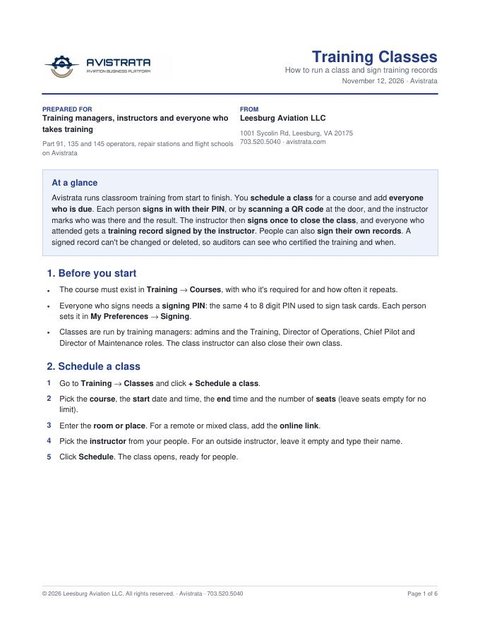
Training classes
Schedule classroom training, add everyone who is due, let people sign in with their PIN or a QR code at the door, then close the class with one instructor signature: every attendee gets a signed training record.

Partner API guide
For developers: connect your system to Avistrata with API keys, read and write data, change events and signed webhooks, with examples in curl, Python and JavaScript.

Data provider integration guide
For avionics and engine monitor makers: send customers' flight and engine data logs straight into Avistrata, with the owner's consent.

ATC radio
Your flights' air traffic control radio as text and audio, radio events reviewed as squawks or safety reports, and ATC notes in the briefing, from Enhanced Radar.
Regulatory guides
DoD contracts: Government and defense · contract compliance, DCAA timesheets and cost accounting
Part 91 maintenance requirements
Annual and 100-hour inspections, altimeter and transponder checks, the ELT, ADs, life-limited parts and the records you must keep.
Part 135 maintenance requirements
The 9-seat line, 100-hour and AAIP, manufacturer programs and TBOs, CAMP, the maintenance log, MEL and service difficulty reports.
Part 5 SMS and electronic signatures
What Part 135 and air tour operators need by May 28, 2027: the four SMS components, record retention, the declaration of compliance and AC 120-78B signatures.
Part 145 repair station requirements
Ratings and capability list, the repair station and quality control manuals, training, calibrated tools, return to service and records.

Government contract compliance
DoD acquisition reforms, FAR and DCAA: CMMC and SPRS, cost data, CAS and EVM checks, the clause and deviation register, DCAA timesheets, indirect rates, funding, vouchers and incurred cost.

Life of a contract
A government program tracked by CLIN, from capture to delivery: labor from task card time, parts from stores and overhead charged to each line item, funding against the notice point, vouchers and Power BI.

Life of a contract: step by step
What to do in Avistrata, and where, from award to delivery: sixteen steps with screenshots, from CLINs and charge codes to timesheets, vouchers, month-end close and delivery acceptance.
Outside the US: authority manuals
Overview pages: EASA · UAE GCAA · Kenya KCAA · South Africa SACAA
Avistrata for EASA organizations
Part-145, Part-CAMO, Part-CAO and Part-ML: Part-66 checks at signing, EASA Form 1 and the CRS, ARC tracking, EU occurrence reporting and VAT. Covers dual FAA + EASA organizations too.
Avistrata for UAE (GCAA) organizations
CAR-145 and CAR-M: CAR-66 licence checks, the GCAA CRS and AW Form 1, ARC tracking, occurrence reports and UAE VAT.
Avistrata for Kenya (KCAA) organizations
Approved maintenance organisations: KAMEL licence checks, the release to service and release certificate, C of A renewal, defect reports and Kenya VAT.
Avistrata for South Africa (SACAA) organizations
Part 145 maintenance organisations: AME licence checks, release to service under CAR 43.04, release certificates, MPI tracking, occurrence reports and VAT.
Maintenance and repair stations
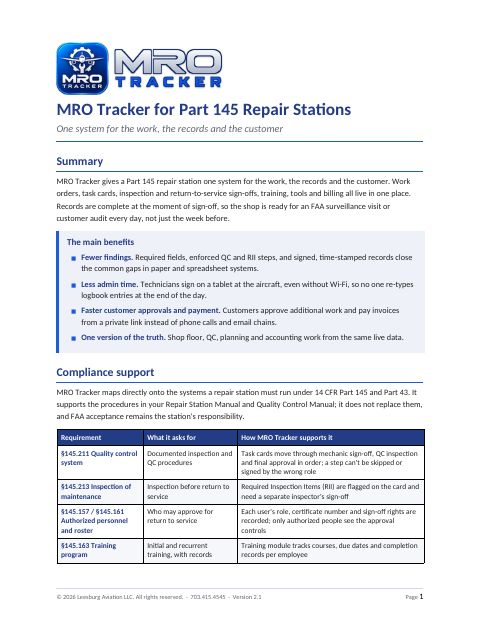
Avistrata for Part 145 Repair Stations
One system for the work, the records and the customer, mapped to Part 145 and Part 43.
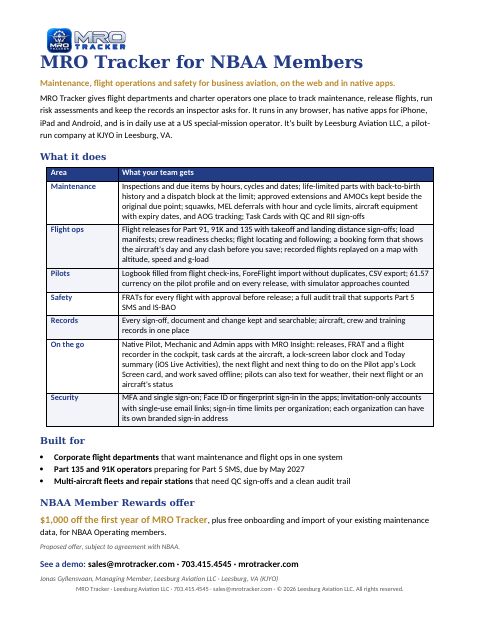
Avistrata for Business Aviation
Maintenance, flight ops and safety for flight departments and charter operators, on one page.
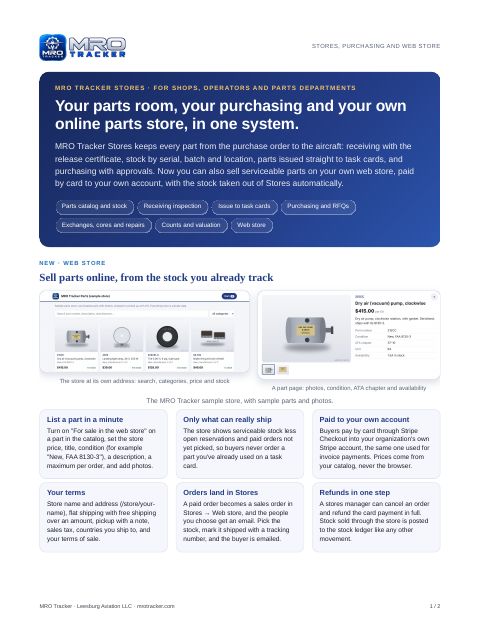
Stores and Web Store
Parts stock, receiving, purchasing, and selling serviceable parts on your own web store.
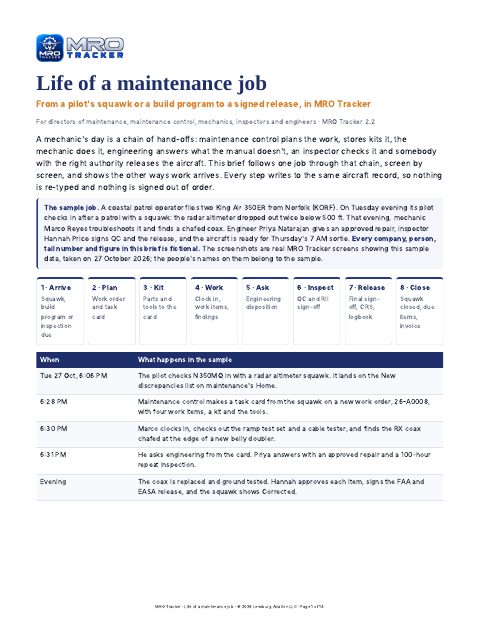
Life of a maintenance job
From a pilot's squawk or a build program to a signed release: maintenance control, stores, the mechanic, engineering, inspection and return to service.
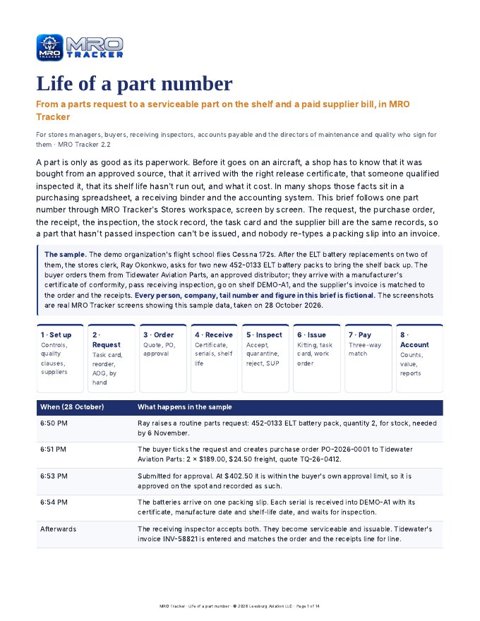
Life of a part number
From a parts request to a serviceable part on the shelf: approved suppliers, purchase orders, receiving with the release certificate, inspection, kitting and the three-way match.

Life of an order
From a parts request to a paid supplier bill, from the buyer's chair: prices, approvals, shipments, receiving and payables.

Life of a new supplier
From a buyer's request to an approved supplier, with its approvals and release paperwork on file.
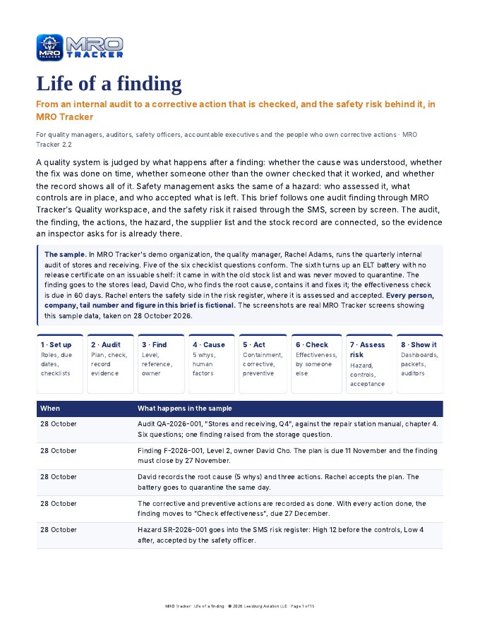
Life of a finding
From an internal audit to a corrective action checked by someone other than its owner, and the safety risk behind it in the Part 5 SMS.
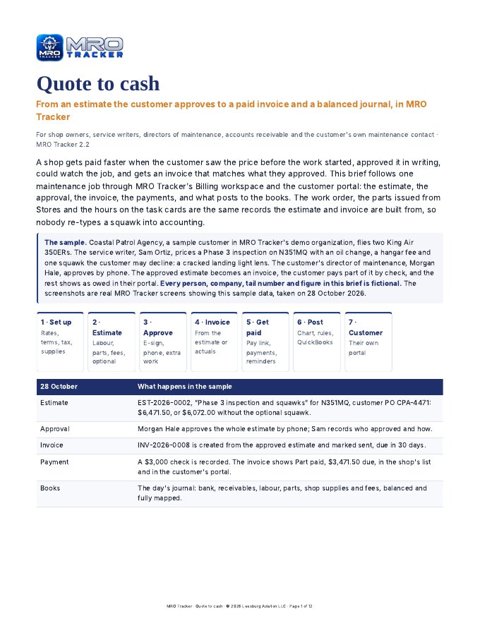
Quote to cash
From an estimate the customer approves to a paid invoice and a balanced journal: e-sign, optional squawks, payments, QuickBooks and the customer portal.
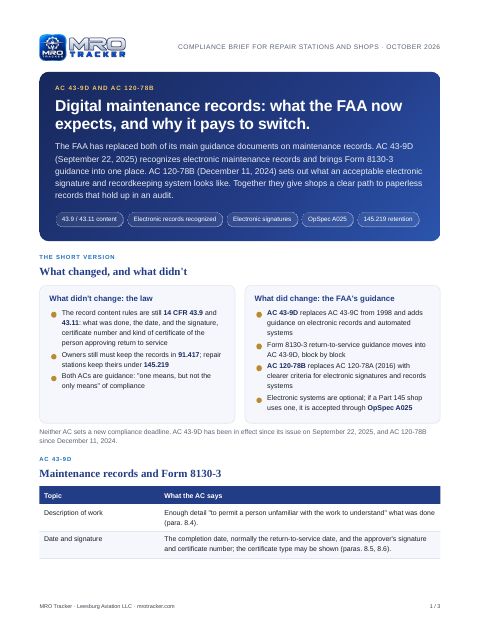
Digital Maintenance Records
How electronic records and signatures in Avistrata line up with AC 43-9D and AC 120-78B.

Signature tracking
Every sign-off by a named person on their own login, records that lock when signed, and a full signing history, in line with AC 120-78B.
Flight schools
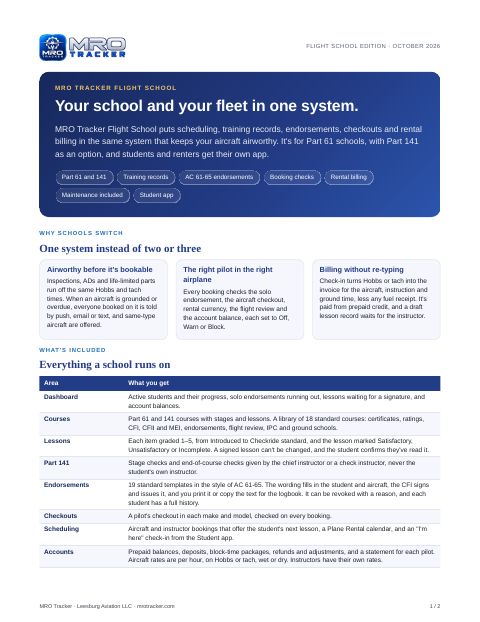
Flight School overview
Scheduling and booking checks, training records and Part 141, AC 61-65 endorsements, rental billing, and maintenance built in.
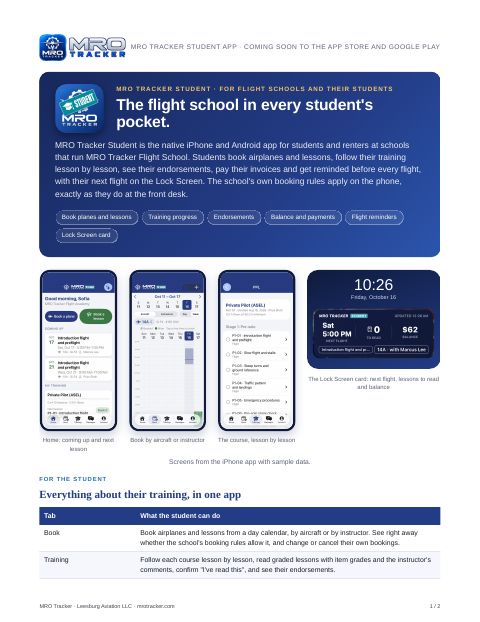
Student App
Bookings, training progress, account and the next flight on the Lock Screen. Coming soon to the App Store and Google Play.
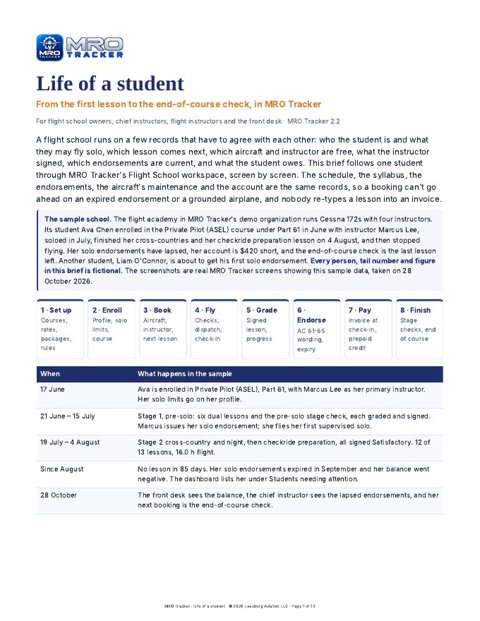
Life of a student
One student from enrollment to the end-of-course check: bookings that check endorsements and the aircraft, graded lessons, AC 61-65 endorsements and the student account.
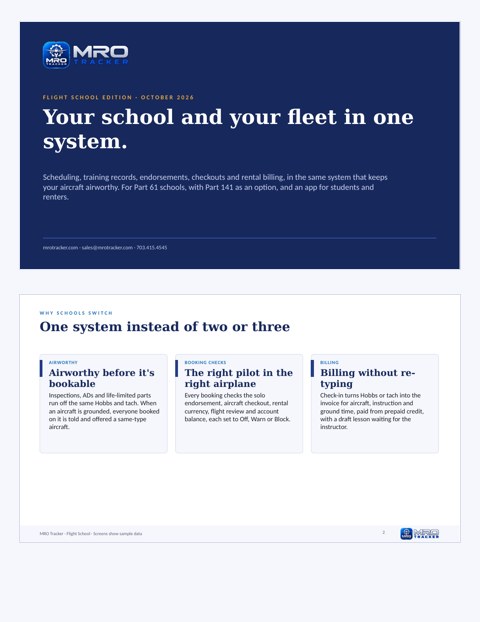
Flight School tour
Screen by screen: the dashboard, Plane Rental calendar, graded lessons, endorsements, student view and accounts.

Preflight and safety
Weather briefing, risk assessment, weight and balance, the student preflight checklist and dispatch that knows the aircraft's maintenance.
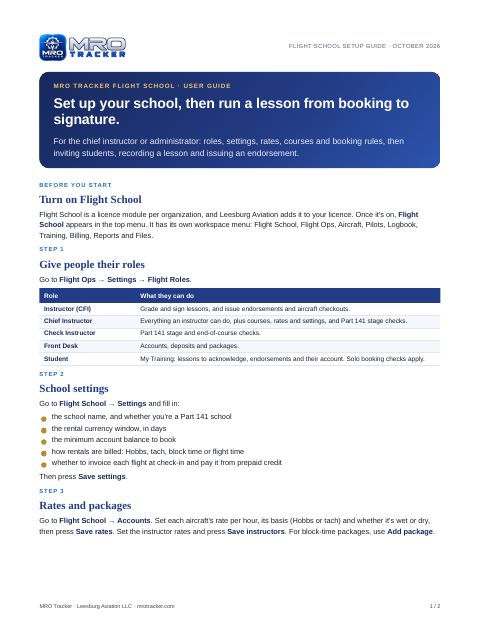
Flight School setup guide
Roles, settings, rates, courses and booking rules, then recording a lesson and issuing an endorsement, step by step.
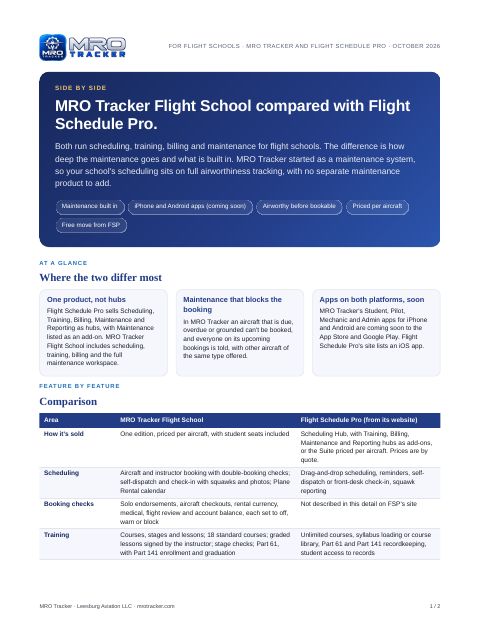
Avistrata compared with Flight Schedule Pro
A side-by-side look at scheduling, training, billing, maintenance and apps.
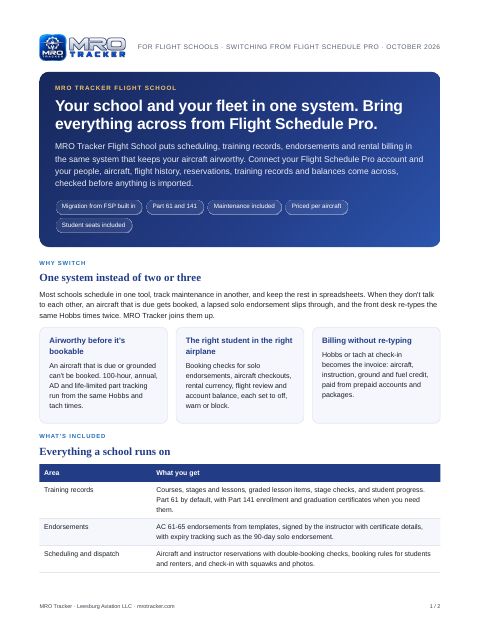
Switching from Flight Schedule Pro
What Avistrata Flight School includes, and how your data moves across.

Life of a flight school student: step by step
From enrollment to checkride: seventeen steps with screenshots for the chief instructor, instructors, the front desk and the student, from courses, booking and the preflight to grading, endorsements, stage checks and finishing the course.

The Student app: step by step
For students: every screen of the iPhone and Android Student app, with real screenshots. Booking a plane or a lesson, reading your grades, the preflight checklist, IMSAFE and FRAT, messages, your account, logbook and endorsements.
Part 21 production
The Production workspace
For PMA, TSOA, STC and production certificate holders: travelers, measurements, material traceability, FAI, the 8130-3, NCR and MRB, and 21.3 reporting.
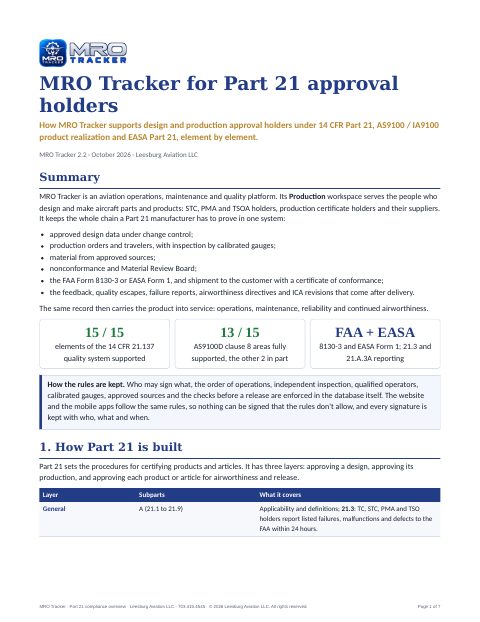
Avistrata for Part 21 approval holders
How Avistrata supports design and production approval holders under 14 CFR Part 21, AS9100 / IA9100 and EASA Part 21, element by element.
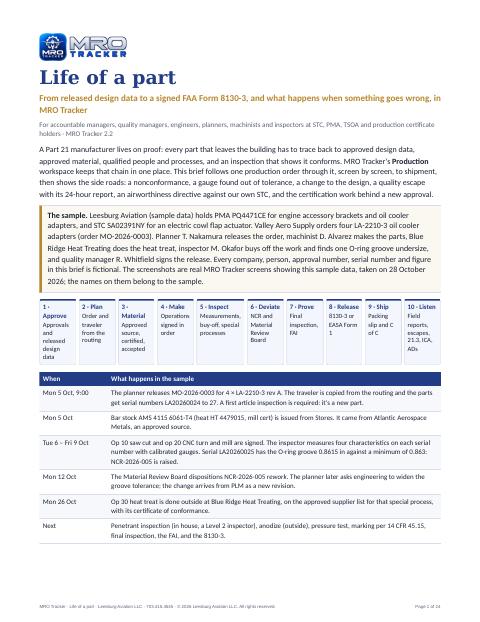
Life of a part
One production order from released design data to a signed FAA Form 8130-3, with a nonconformance, a design change, a quality escape and its 24-hour report.
Avistrata Marketplace
Contract crews and mechanics, aircraft for sale and parts for sale. See the Marketplace page
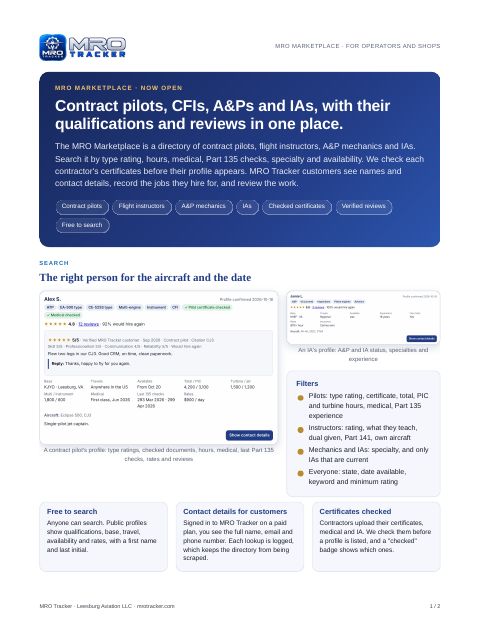
Avistrata Marketplace for operators and shops
Find contract pilots, CFIs, A&Ps and IAs with checked certificates and verified reviews.
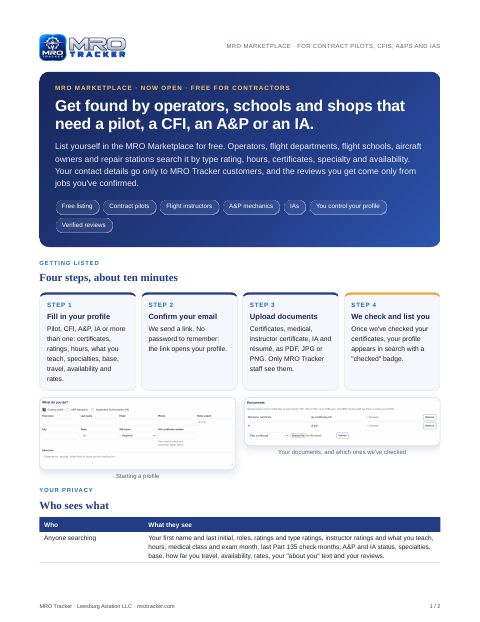
Avistrata Marketplace for contractors
List yourself free as a contract pilot, flight instructor, A&P or IA.
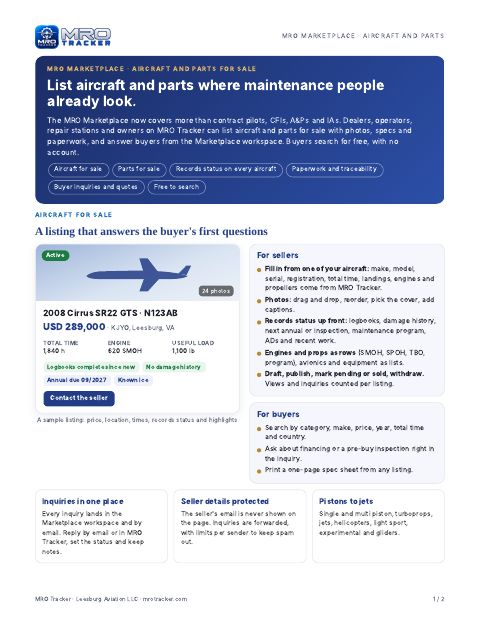
Aircraft and parts for sale
List aircraft with records status and parts with their paperwork, and answer buyers from the Marketplace workspace.
What's new


See it on your own aircraft
A 30-minute demo, or a free 14-day trial with your fleet.
Documents are updated as Avistrata changes; each shows its date on the first page. Flight Schedule Pro is a trademark of its owner; Avistrata is not affiliated with it.